 IMG_3994
 IMG_3995
 IMG_1903
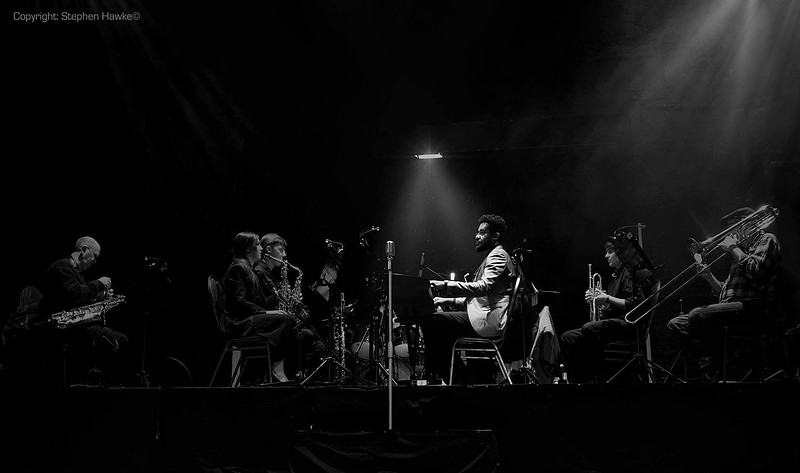
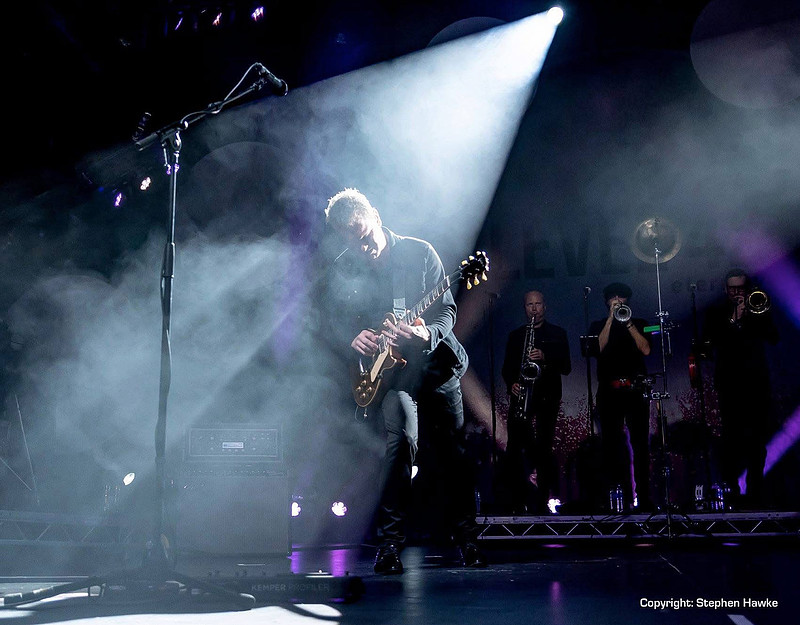
Photography is, by definition, "drawing with light." But what happens when the light stops showing up for work? Whether you’re shooting a moody city street at night or a dim indoor event, low-light photography is the ultimate test of a photographer's technical mettle.
IMG_1903
Photography is, by definition, "drawing with light." But what happens when the light stops showing up for work? Whether you’re shooting a moody city street at night or a dim indoor event, low-light photography is the ultimate test of a photographer's technical mettle.
The biggest hurdle isn't just the darkness—it's the digital noise and loss of detail that come when we try to force the camera to see what we can't.
The ISO Dilemma: Sensitivity vs. Sand
When you crank up your ISO, you aren't making the sensor more sensitive to light; you're essentially amplifying the signal it already has. Think of it like turning up the volume on a radio with bad reception: the music gets louder, but so does the static.
To overcome the "grainy" look of high ISO, consider these three pillars:
• The "In-Camera" Rule: Always prioritize your Aperture first. Open up to your widest f-stop (like f/1.8 or f/2.8) to let in maximum physical light before touching the ISO.
• The Shutter Speed Balance: Use a tripod or stabilize yourself against a wall. If your subject is static, a slower shutter speed is always preferable to a higher ISO.
• Expose to the Right (ETTR): It sounds counterintuitive, but slightly overexposing your image (without blowing out highlights) often results in less noise in the shadows once you pull the exposure back down in editing.
Recovering Detail in Post-Processing
If you’ve come home with a memory card full of "crunchy," noisy images, don’t hit delete just yet. Modern software has become incredibly sophisticated at reclaiming detail.
Ai Noise Reduction
Tools like Adobe Enhance or Topaz Photo AI use machine learning to distinguish between "noise" and "texture," cleaning the image without making it look like a plastic painting.
Luminance Smoothing
In Lightroom, use the Luminance slider sparingly. Too much will kill the fine details (like hair or fabric).
Local Adjustments
Don't apply noise reduction to the whole image. Keep the "grit" in the background but smooth out skin tones or flat skies.
Pro Tip: Shoot in RAW
This is non-negotiable for low light. A JPEG file "bakes in" the noise and the camera's often-poor attempt at fixing it. A RAW file preserves all the original data from the sensor, giving you significantly more latitude to recover details from the shadows during the edit.
Bottom Line: Don't fear the high ISO. Many images have been Award Winning frequently with values of 10,000 t0 25,000—just learn to understand it. Remember, a grainy photo with a great story is always better than a blurry, "clean" photo that missed the moment.
- Stephen Hawke -

